
An appointment history log is the permanent record of everything that has happened to a booking and to a client over time: when it was made, who made it, what was booked, every change, the payment, the outcome and any notes. A calendar only shows what is coming up. A log shows what happened, and that is what settles a no-show dispute, a "you never told me" complaint or a question about what you did last visit. For a groomer, boarder, mobile vet, trainer, behaviourist or dog walker, the easiest way to keep one is booking software that writes the record as each booking happens, so nothing depends on memory, texts or a spreadsheet. That is how Animalbooking is built to work.
TL;DR
- A history log records the life of each booking (made, changed, cancelled, completed, paid), not just the time slot.
- Per booking, capture the client, the animal, the service, date and time, who handled it, payment status and notes.
- Never overwrite an entry. Add a new one, so you can show what was true on any given day.
- Used well, the log drives reminders, follow-ups and a fair, consistent no-show policy.
- Client records are personal information: store them securely and only keep them while you need them.
Table of Contents
- What an appointment history log is (and what it is not)
- Why a proper log earns its keep
- What to record for each booking, client and animal
- How to record changes, cancellations and no-shows
- Turning the log into fewer no-shows
- Where to keep the log: paper, spreadsheet or software
- Keeping the log private and safe
- Setting up your log in a day
- Animalbooking for your booking history
- Our view: the log is part of the service
- FAQ
- Sources
What an appointment history log is (and what it is not)
Three things get mixed up.
| Tool | Question it answers | Looks at |
|---|---|---|
| Booking calendar | What is on today and next week? | The future |
| Appointment history log | What happened to this booking, and to this client's bookings over time? | The past |
| Activity or audit log | Who in my team clicked what, and when? | Staff actions |
The results that rank for this search are mostly practice-management help pages for medical clinics, showing how to open an audit trail on one appointment. The idea carries straight over to animal businesses. You want to open a booking and see that it was made online on a Tuesday, moved once, had a deposit paid, was reminded, and was completed by a named staff member.
For a pet business there is a second layer people forget: the history belongs to a relationship, not one visit. A groomer wants to know the last three cuts and the matting notes. A boarder wants every previous stay, feeding instructions and any incident. A behaviourist wants the progression across sessions. So a good log has two views: one booking's life, and one client or animal's timeline.
Why a proper log earns its keep
It settles disputes. "I cancelled last week" is easier to answer when you can see there was no cancellation, or that there was one inside your notice period.
It protects your income. No-shows are only manageable if you can see who has had them and how often. Without a log, every missed appointment feels like a one-off.
It covers you professionally. Australian training standards expect this of anyone doing reception work in an animal-care business. The national unit ACMGEN310 Provide reception services covers scheduling and monitoring appointments, creating and updating records under workplace procedures, documenting client interactions with confidentiality in mind, noting follow-up requirements, and updating and storing client records.
It makes you better at the job. Good history means you greet a returning dog with the right notes in front of you, and clients notice that.
If you are a vet, the stakes are higher. An ACT government record-keeping template says veterinary clinical records are documentary evidence of a patient's ownership, health and treatment, and a basis for reviewing the care given. Clinical records have their own rules, covered below.
What to record for each booking, client and animal
Start with what is practical for the booking itself, then add the details your profession needs.
The booking record (every business)
- Client: name, mobile, email, preferred contact method.
- Animal: name, species, breed, age, and anything that changes how you handle them (nervous, reactive, medical conditions).
- Service: what was booked, how long it was meant to take and the price.
- Date and time: the appointment slot, plus when the booking was made.
- Source: online, phone, or entered by you.
- Staff member: who is responsible, especially if you have a team.
- Status: confirmed, rescheduled, cancelled, no-show, completed.
- Payment: deposit taken, balance paid, refund issued.
- Notes and follow-up: what happened and what should happen next.
The record of when the booking was made matters more than people expect. It lets you show that a client agreed to your cancellation terms before the appointment, not after.
Extra detail for vets and clinical work
If you practise as a veterinarian, your state or territory board sets the minimum. The Veterinary Practitioners Registration Board of Victoria's Guideline 07 on veterinary medical records lists owner identification, the date of examination or treatment, animal identifiers, relevant history, findings, diagnoses, treatment options discussed including costs, the owner's chosen treatment, ongoing care plans, signed consent forms and discharge instructions.
The Veterinary Surgeons Board of South Australia goes further in its Record Keeping Guidelines approved 24 April 2024. It sets out a minimum dataset including the date and time of the consultation, the staff involved, client and animal identification (including microchip, weight and insurance), the presenting problem, examination details, medications with dose and route, diagnoses and vaccination records.
Check the guideline from your own board. A booking log covers the scheduling side of this, and your clinical notes cover the rest. Keeping the two linked by client and animal saves you hunting through separate systems.
For trainers, behaviourists and equine professionals
You are not bound by the vet boards' datasets, but the same logic works. Record the goals agreed at the start, what was covered each session, homework set, and the client's questions. Equine professionals should add the horse's location and the handler or owner present, because many visits happen at a property rather than your premises. Clear session notes also build trust: clients see you remember their animal and their goals.

How to record changes, cancellations and no-shows
The rule that matters most: add, never overwrite.
The ACT template says later changes to computer-based records should be made as a separate record rather than by amending the original, and that adequate backups must be kept. It is written for veterinary clinical records, but it is a sound habit for every booking log. If a client moves a groom from Friday to Monday, you want both the original slot and the move on file, with the date and who made it.
Here is how each event should look in a log.
| Event | What to log |
|---|---|
| Booking created | Date and time made, source, service, slot, terms accepted |
| Reschedule | Old slot, new slot, who requested it, when, how much notice |
| Cancellation | Date and time of cancellation, reason if given, notice period, whether a fee or deposit applied |
| No-show | That the client did not arrive, whether reminders were sent, any contact attempts, fee applied or waived |
| Late arrival or shortened service | Arrival time, what was cut, price adjustment |
| Completion | Who did the work, notes, payment and any follow-up |
Two habits keep this clean:
- Log it the same day. Notes written a week later are the first ones challenged.
- Keep the reason for a waived fee. If you forgive a late cancellation for a client whose dog was unwell, write it down. That is how you stay consistent later.
Our guide to online rescheduling for clients explains how letting clients move their own bookings keeps this trail accurate without a flurry of texts, and recovering no-shows with a four-stage follow-up shows what to log at each stage.
Turning the log into fewer no-shows
A log you never read is just storage. The payoff comes from using it three ways.
Reminders based on real history
Reminders work best when they follow the booking, not your memory. Automated reminders go out on a schedule and give the client a way to confirm or move the appointment. If the log shows a client has a history of last-minute changes, you can tighten your approach with them, for example by asking for a deposit.
Spotting repeat no-shows
One missed appointment is an accident. Three in six months is a pattern. A history lets you apply a rule the same way to everyone: a deposit after the second miss, or prepayment for a client who has missed three. For how to weigh the options, see deposits versus prepayments for pet services, and for wording, our no-show policy guide for groomers.
Fairness matters here. Since 9 November 2023, the Australian Consumer Law's unfair contract terms rules have applied with stronger penalties to standard-form consumer contracts, and the ACCC explains the change on its unfair contract terms page. Cancellation fees in your terms should be clear and reasonable, shown before the client books, and applied evenly. A log that shows you applied them evenly is your best evidence.
Follow-ups and recalls
The history tells you who is due. A puppy that had its first groom eight weeks ago is ready for the next. A horse seen for dental work a year ago is due again. A dog that finished a training block can be offered a refresher. Vets can use the same approach for vaccinations: our piece on vaccination reminders clinics can run covers the routine.
Where to keep the log: paper, spreadsheet or software
Most pet businesses start with a diary, a notes app or a spreadsheet. They work until they do not, and they usually fail in the same four ways:
- No automatic trail. A spreadsheet cell shows the current value, not what it was before.
- Scattered messages. The reschedule is in a text, the deposit is in your bank app and the notes are in a notebook.
- No reminders linked to it. You send them by hand or forget.
- Hard to share. When a second groomer or a receptionist joins, you are passing a file around.
Booking software removes those problems because the booking is the record. With Animalbooking, clients book online through a booking website or online booking form, the Smart Calendar holds the schedule, payments and deposits are taken online, and the customer CRM keeps client details in one place. Bookings can be recurring, instant or manual, so phone bookings you enter yourself sit alongside online ones. Multi-staff support lets you assign staff to appointments so each booking shows who is responsible.
The approach we recommend for notes is one timeline per pet, with the booking history and your observations together, as described in our guide to pet client notes.
Mobile businesses have an extra need: records you can reach from the van or the client's driveway. See how this works for mobile pet groomers, mobile services and vet practices, including house call vet scheduling.
Keeping the log private and safe
Your log holds names, phone numbers, addresses (often a home address for mobile work) and sometimes payment and health details about animals. That is personal information about people.
In Australia, the Privacy Act does not cover every small business. The Office of the Australian Information Commissioner (OAIC) explains that the Australian Privacy Principles apply to small businesses only in certain cases, such as where the business is a health service provider or trades in personal information. The OAIC also recommends that small businesses protect personal information as best practice. If you are unsure whether you are covered, ask the OAIC or your solicitor.
The principle worth following either way comes from APP 11 on security of personal information: take reasonable steps to protect the information you hold from misuse, interference, loss and unauthorised access, and destroy or de-identify it when you no longer need it, unless the law requires you to keep it. In practice:
- Use individual logins for staff and remove access when someone leaves.
- Protect devices with passcodes and screen locks, especially phones used on the road.
- Keep notes factual. Write what happened, not opinions about the client.
- Keep backups somewhere safe, as the ACT template also requires for computer-based records.
- Set a retention rule. Vets must follow their board's retention requirements. Other businesses should decide how long they keep inactive client records and clear them out on schedule.
Setting up your log in a day
- List what you need to record using the booking checklist above, and add profession-specific fields.
- Write your cancellation and no-show terms and show them at booking.
- Move your active clients into one system, with their animals and any standing notes.
- Turn on reminders with a confirm or reschedule option.
- Decide who can see and edit what, then give each staff member their own login.
- Review monthly. Look for repeat no-shows, clients overdue for a visit and notes that are missing.
Animalbooking for your booking history
Animalbooking is online booking and scheduling software for dog groomers, boarders, trainers, vets, equine professionals and mobile pet businesses. Setup is designed to take 10 to 15 minutes to go live, and you can run a branded booking website on your own domain. Our platform is designed to cut no-shows with automated reminders and deposits, and every booking, payment and client detail lives in one place rather than across texts and spreadsheets.
Plans on our pricing page include Starter, Independent at $49 per month, Teams at $149 per month and Pro at $299 per month. A platform fee on payments processed through the system applies at 3%, 2%, 1.5% or 1%, set out on the provider fees page. Starter has no published price.
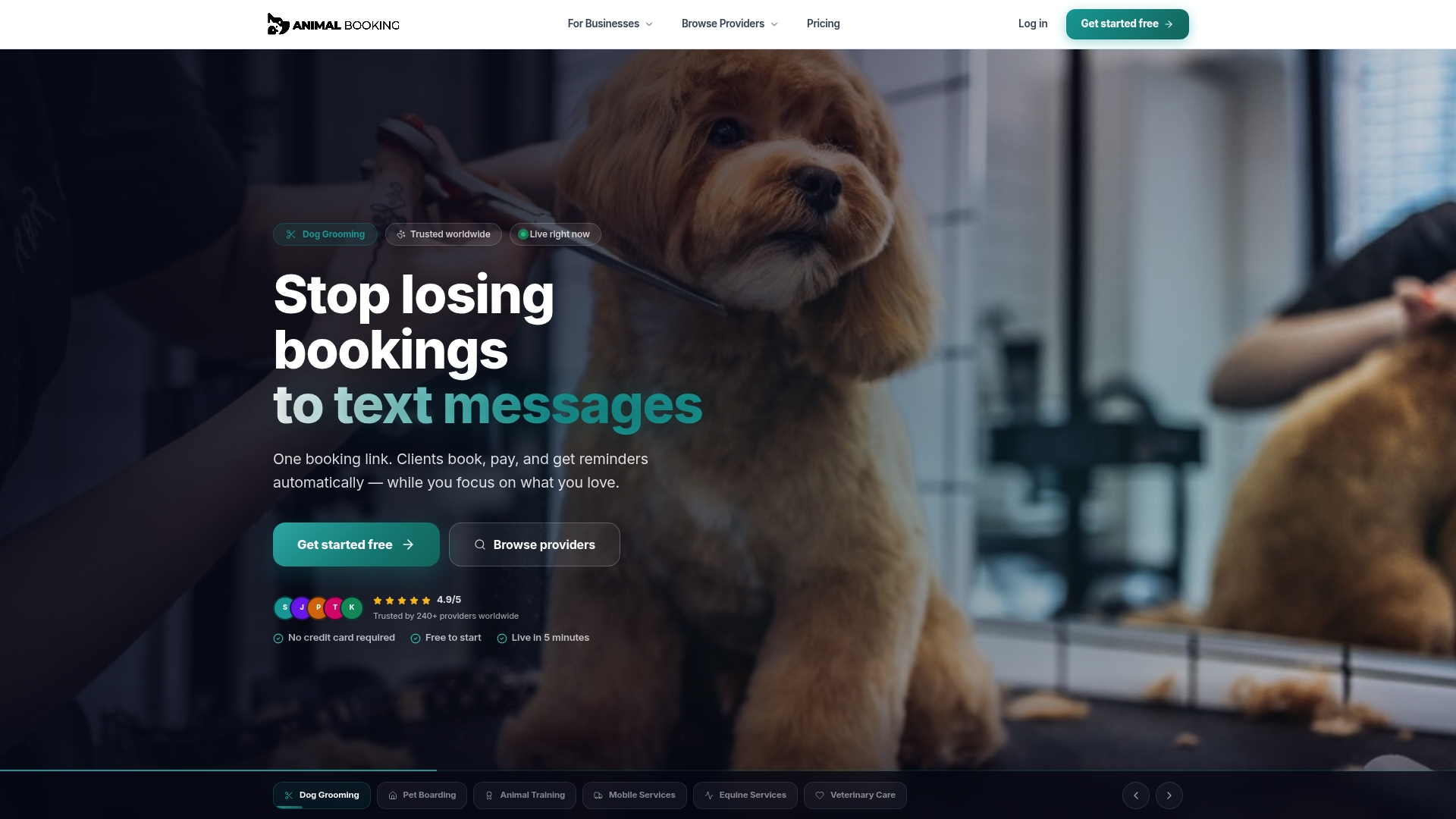
You can see your live and past bookings together in the bookings dashboard, and browse the rest of our software hub for the tools around them.
Our view: the log is part of the service
Most pet businesses we talk about think of record keeping as admin. We think of it as part of the service you sell. When a client sees that you remember their dog's coat, the date of the last vaccination reminder and what was agreed about the cancellation fee, they trust you more.
That is why we built Animalbooking around the booking as the single source of truth. Online booking, reminders, deposits, payments and client details work together, so the history writes itself as the work happens. You spend your time with animals, not rebuilding last month from text messages.
Our aim is simple: fewer missed appointments, fairer and more consistent policies, and a record you can stand behind. For a solo groomer or a multi-staff clinic, the habit is the same. Record every booking, add never overwrite, and use the history to decide what happens next.
AnimalBooking
FAQ
How long should I keep appointment records?
It depends on your profession. Veterinarians should follow the retention requirements of their state or territory board, so check your board's record-keeping guideline. For other pet businesses, set your own rule and apply it consistently. Under APP 11, personal information you no longer need should be destroyed or de-identified, unless the law requires you to keep it.
Is an appointment history log the same as an audit log?
Not quite. An appointment history log follows a booking and a client over time, including changes, payments and outcomes. An audit log focuses on which staff member did what in the system. A good setup gives you the first and, with multi-staff businesses, shows who handled each booking.
Can I use the log to charge for no-shows?
Yes, if your terms are clear and reasonable and shown before the client books. The log then supports the charge: it shows when the booking was made, what the client agreed to and what reminders were sent. Apply the policy the same way to every client and record any fee you waive.
What should a dog groomer record after each visit?
Record the service delivered, who did it, time taken, price and payment, and your notes on coat condition, behaviour and anything to change next time. Add the recommended rebooking interval so the follow-up is easy. Keep notes factual and add them the same day.
Sources
- ACMGEN310 Provide reception services, National Training Register
- Record keeping guidelines policy, ACT City Services (December 2025)
- Guideline 07, Veterinary medical records, Veterinary Practitioners Registration Board of Victoria
- Record Keeping Guidelines, Veterinary Surgeons Board of South Australia (24 April 2024)
- Small business, OAIC
- Chapter 11: APP 11 Security of personal information, OAIC