
You migrate from spreadsheets by cleaning a copy of your data, deciding what the new system needs to hold, loading it, checking the counts, and then picking one switch-over day when the spreadsheet becomes read-only. For a groomer, boarder, mobile vet, trainer or dog walker, the whole job usually takes a few focused sessions, not a project. Booking software built for animal services, such as Animalbooking, takes over the parts a spreadsheet can never do: online bookings, deposits and automated reminders. The client and pet details are the part you carry across yourself, so that is where the care goes.
TL;DR
- Clean a copy of your spreadsheet, never the live one, and keep a read-only backup of the original.
- Move only what you use every week: clients, pets or horses, upcoming bookings, notes, vaccination dates and prices. Leave old history in the archive.
- Check the new system like an auditor: counts match, a handful of awkward records look right, and you can run a normal day in it.
- Pick one switch-over date instead of running both systems side by side for weeks.
- Tell clients about the change and get their consent for reminders before the first message goes out.
Table of Contents
- Signs the spreadsheet has done its job
- Start with the work, not the spreadsheet
- Step 1: Back up and make a working copy
- Step 2: Clean the copy
- Step 3: Decide how the new system should look
- Step 4: Load the records
- Step 5: Check it like an auditor
- Step 6: Test the booking flow as a client would
- Step 7: Tell clients, then switch on one day
- Mistakes that cost the most
- What changes once you are on booking software
- Our view: the spreadsheet is a record, not a system
- Where Animalbooking fits
- FAQ
- Sources
Signs the spreadsheet has done its job
A spreadsheet is a good first booking system. It is free, you already know it, and it holds a surprising amount. It stops working when the business needs things a grid of cells cannot do on its own: take a deposit at 9pm, text a reminder, stop two people booking the same slot, or let a client reschedule without calling you.
The common signs are practical ones:
- Double-bookings and dead gaps. One clinic-management guide lists frequent double-bookings and gaps between appointments among the signals that manual scheduling is no longer enough.
- Time lost on messages. If you spend your evenings answering "what time is my appointment?", the sheet is costing you hours. A small-business admin burden of 12 or more hours a week is a figure quoted in industry commentary, and groomers feel it as texts, calls and chasing rebookings.
- No-shows with no consequence. A missed slot is lost income. Without a deposit or an automatic reminder, the only protection is your memory.
- Notes that live in one person's head, or one tab. When the person who knows that Max bites at the dryer is away, the sheet does not warn anyone.
- Multiple copies. A phone note, a paper diary and a spreadsheet that disagree are a sign you need one source of truth.
If two or three of these sound familiar, you are ready. The rest of this guide is the routine.
Start with the work, not the spreadsheet
Before touching a cell, write down what each sheet is actually for. For most animal businesses that list looks like this:
- A client list (names, phone, email, address, how they like to be contacted).
- An animal list (name, breed or type, age, temperament, health notes, vaccination dates, the owner it belongs to).
- A booking calendar (past and future appointments, services, prices, which staff member).
- A money tab (deposits, balances owing, who has paid).
- Notes (coat length used last time, feed instructions, a horse's paddock history, a behaviour plan).
Next to each, write who changes it and why. Then look for formulas. A formula such as a total, a price by weight band or a discount for regulars is a business rule written as cell references. Put it in plain words ("Large dogs over 25 kg are $20 more") so you can set the same rule up in the new system and confirm it is right, instead of copying a number you no longer understand.
What to move and what to leave behind
You do not need to move everything. A sensible split:
| Data | Move it? | Why |
|---|---|---|
| Active clients (seen in the last 12 to 18 months) | Yes | They are who you will book next |
| Pets or horses linked to those clients | Yes | Bookings and notes attach to the animal |
| Upcoming bookings | Yes | Clients must not lose their slot |
| Health, behaviour and care notes | Yes | The most valuable history you hold |
| Vaccination or booster dates | Yes | Needed for boarding and for reminders |
| Current price list and service lengths | Yes, re-entered | Set them up fresh as services |
| Old completed bookings | Keep in the archive | Useful for reference, not for daily work |
| Colour coding, merged cells, hand-typed totals | No | Turn them into proper fields or rules |
Colour used as data is the classic trap. If a red cell means "difficult dog" or "pays late", convert it into a written note or tag before you migrate, because colour does not survive a copy into another system.
Step 1: Back up and make a working copy
Save a copy of the original file and set it to read-only. You will want it for reference, and if you keep business records for tax purposes you need your history intact. Australian accounting software guidance on leaving Excel makes the same point: keep a read-only backup of your spreadsheets for audits and reference, and clear out duplicates and old data first.
Do all your cleaning on a second copy. Never tidy the live sheet while you are still booking from it.
Step 2: Clean the copy
Spend your time here, because every error you fix now is one you will not find on a busy Saturday. Work through the usual defects:
- Duplicate clients. "Sarah Nguyen", "S. Nguyen" and "Sarah N" with the same mobile number are one person. Merge them and keep the most complete details.
- Phone numbers. Store them in one format. A mobile that loses its leading zero will not receive a reminder. Keep them as text, not numbers, so Excel does not drop the zero.
- Dates stored as text. "3rd of May" and "3/5" can mean different things (and 3/5 is read differently in different software). Convert every date to one format and check a few by hand.
- Several facts in one cell. "Big dog, bites, owes $30" should be three things: a size, a behaviour note, a balance.
- Free text where a choice belongs. Services such as "full groom", "Full Groom" and "fg" should become a single service name.
- Blank rows and merged cells. Remove them so every row is one record.
- Formulas. Replace formulas with their values once you have written down the rule behind them. Guidance on preparing Excel data for import recommends exactly this, along with checking dates and formats and removing blank rows.
Write down each fix as a rule ("phone numbers in 04XX XXX XXX format", "merge clients with the same mobile"). You will need to apply the same rules again to a final copy on the day you switch, and a written list makes that a ten-minute job.
One owner-of-the-data point for vets
If you run a veterinary practice, the clinical record is not just a spreadsheet row. The Victorian Veterinary Board states in its Guideline 07 that veterinary medical records belong to the practice or practitioner, not the animal's owner, and that owner consent is needed to transfer records to another practice. Check your own state or territory board's guideline for the rules that apply to you, and keep clinical records in line with it as you move.
Step 3: Decide how the new system should look
Resist the urge to rebuild your spreadsheet inside the new tool. A booking system has its own structure, and it is built around the way animal businesses work: a client owns one or more animals, each booking has a service, a length, a price and often a deposit.
Set up, in this order:
- Your services and prices, with durations, so the calendar blocks the right amount of time.
- Your availability, including days off, travel time if you are mobile, and any limits per day.
- Staff, if you have them, so bookings can be assigned to the right person. Our guides on assigning staff to appointments and grooming staff scheduling cover the rostering side.
- Deposit and payment rules, so a booking is secured when it is made.
- Reminder messages, so clients hear from you before the appointment.
Animalbooking is built for this order of work: our own positioning is that you can go live in 10 to 15 minutes, with online booking, payments, automated reminders, a customer CRM and a booking website on your own domain. The guide on going live for Australian groomers, including ABN and GST walks through the setup.
Step 4: Load the records
With services and rules in place, bring in your clients and animals. For a small business this might be a tidy copy-in; for a larger list it might be a staged load. Either way, follow three habits:
- Start with a small batch. Load ten clients, look at them in the system, and fix the pattern before loading the other three hundred.
- Keep the link between owner and animal. The most common loss in any move is a pet separated from its owner or a note separated from its pet.
- Move the notes, not just the names. Notes are the part clients value. Our post on one timeline per pet and 7-day reminders shows how notes are best kept so the next groomer, handler or vet reads them before the appointment.
The customer CRM is where client and animal details live once you move across, so your records are in one place instead of scattered across tabs.
Run the load as many times as you need on test data. The point is that the final run on switch-over day repeats something that already worked.
Step 5: Check it like an auditor
This is the step people skip, and it is where lost information shows up. Check four things:
- Counts. The number of clients and animals in the system matches the number of rows you meant to move.
- Totals. Open balances, deposits held and upcoming bookings add up to the same figures as the sheet. The Australian accounting guidance above recommends comparing balances against your saved Excel records before you go live, to catch missing transactions and mismatched figures.
- The awkward records. Open your oldest client, your biggest multi-pet household and the animal with the longest notes. If those look right, the simple ones almost certainly do.
- A normal day. Have the person who uses the spreadsheet most run a normal day: find a client, make a booking, move it, take a payment, add a note. If they can do that, you are ready.
Step 6: Test the booking flow as a client would
Make a booking yourself on your booking page from your phone, as a customer. Pay the deposit. Check the confirmation arrives and the reminder is worded the way you would say it. Try rescheduling, because clients will. Our guide to online rescheduling for clients explains how to set the rules so late changes do not leave you with empty slots.

Then ask a friendly regular to try it and tell you where they got stuck.
Get messaging consent right
Reminders are a major reason to move, and in Australia they come with a rule. Under the Spam Act 2003, the ACMA says you must have the consent of each person who will be sent a message and be able to show evidence of that consent if asked. A client who gave you their number to book a groom has generally given it for booking-related contact, but marketing messages need clear consent and a working way to opt out. If your spreadsheet holds numbers collected many years ago, make sure you are comfortable with how you got them before you message them in bulk.
Privacy is the other point. The OAIC explains that most small businesses with a turnover of $3 million or less are outside the Privacy Act, but some are covered, including health service providers. If you run a veterinary practice, check with the OAIC or your professional body whether the Australian Privacy Principles apply to you.
Step 7: Tell clients, then switch on one day
The cleanest migration has a date. Do not run the spreadsheet and the new system side by side for weeks: you end up booking in both, and the two drift apart.
A simple plan:
- Two weeks before: tell clients a new booking link is coming. A short message and a line on your social pages is enough.
- One week before: put every upcoming booking into the system and check the counts again.
- Switch-over day: do a final copy of any changes since your test load, apply your written cleaning rules, load it, and set the old spreadsheet to read-only.
- First cycle: for your first week or two, compare the key figures (bookings for the day, deposits received) against the spreadsheet backup to confirm nothing is missing.
Pick a quiet day for the switch, not the Friday before a long weekend or the start of school holidays.
Mistakes that cost the most
- Copying the spreadsheet's layout. You carry its workarounds into a tool that does not need them.
- Cleaning the live file. One wrong sort and you have scrambled client rows with no way back.
- Moving everything, including dead data. Years of lapsed clients clutter search and reminders.
- Losing the notes. A pet's history is worth more than its phone number. Check them in the audit.
- No fallback. Keep the read-only original so, if something looks wrong, you can recover the record in minutes.
- Skipping the client message. Clients who find a new booking link with no warning ring you anyway.
If something does go wrong, go back to the backup, fix the cleaning rule that caused it, and rerun the load on a test batch before touching live data.
What changes once you are on booking software
The benefits arrive in the first month. Clients book at 9pm without you. Deposits are taken when the booking is made. Reminders go out by themselves, and our own figures are that reminders and deposits together can reduce no-shows by up to 80%. See how WhatsApp appointment reminders work inside the booking, and what to do when someone still misses with a four-stage missed appointment follow-up.
That time goes back into the business. If you want to put it to work on revenue, our guide to grooming revenue and upsells is a good next read.
Our view: the spreadsheet is a record, not a system
Most of the animal businesses we talk to did not choose a spreadsheet. It grew from a diary, and it grew until it held the whole business.
Our view is that a booking system should do the repetitive work for you: take the booking, take the deposit, send the reminder, remember the animal. Those are the tasks that eat evenings and cause no-shows, and they are exactly what we built Animalbooking around, for groomers, boarders, vets, trainers and equine professionals.
We also think migration should be small. Move the clients and animals you work with now, keep the old file as a read-only record, and go live in one step. Our claim is that setup takes 10 to 15 minutes, because most of the work is deciding what to keep, and that is your call, not ours.
AnimalBooking
Where Animalbooking fits
Animalbooking gives you online booking, payments, automated reminders, a customer CRM, analytics, multi-staff support and an embeddable booking form or full booking website. There is a free Starter plan, then Independent at $49 per month, Teams at $149 per month and Pro at $299 per month, with platform fees of 3%, 2%, 1.5% or 1% on payments processed. See the pricing page and the platform fee details to match a plan to your business.
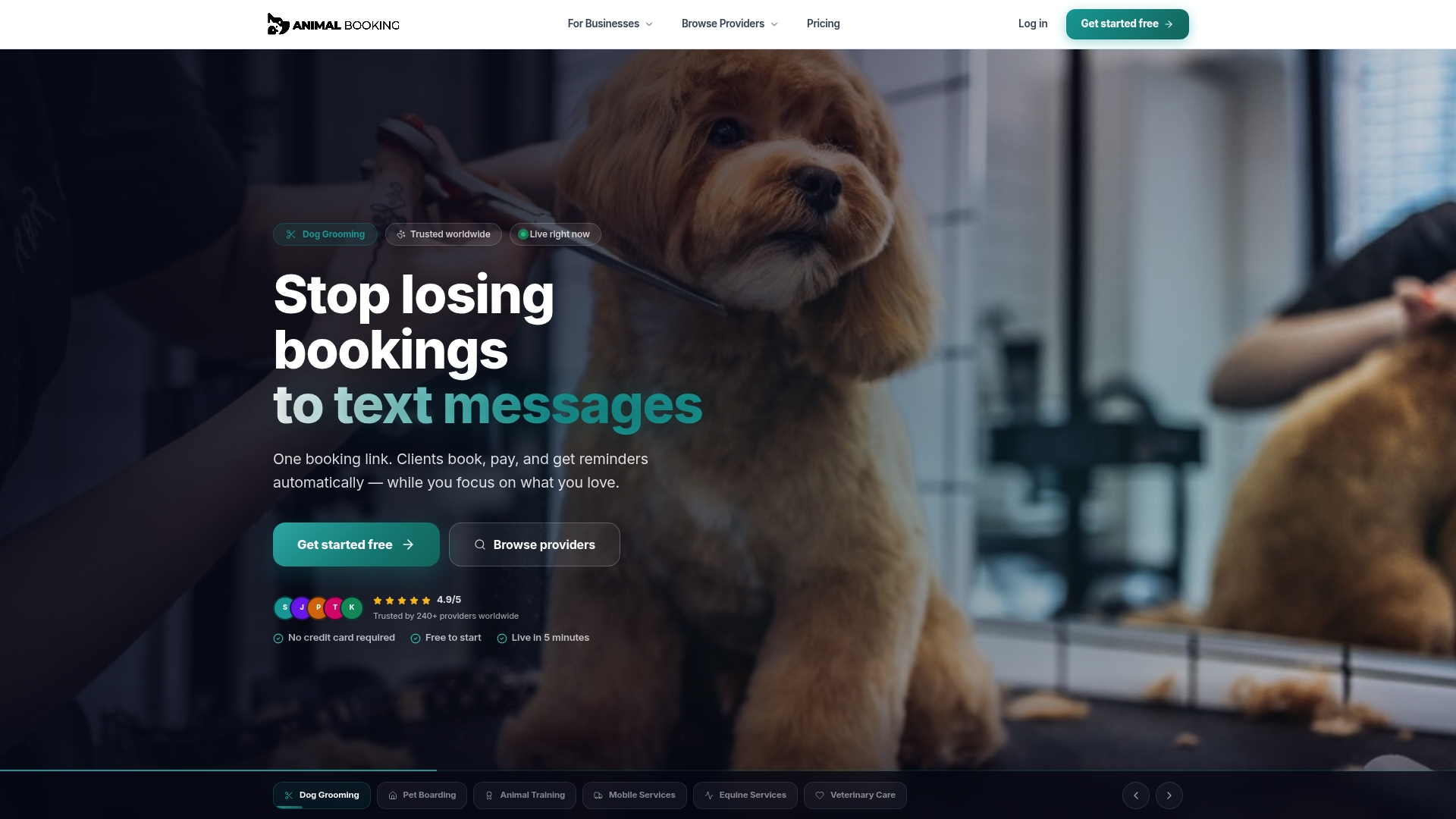
When your cleaned list is ready, you can get started as a provider and take your first online booking the same day.
FAQ
How long does it take to move from a spreadsheet to booking software?
The setup of services, availability and payments is quick: we say go-live takes 10 to 15 minutes. Cleaning your data is the longer part, and for a solo operator with a few hundred clients it is usually a few evenings. Allow extra time for the audit step.
Should I move all my old bookings?
No. Move active clients, their animals, upcoming bookings and notes. Keep older completed bookings in your read-only archive for reference and for your records. A lighter system is faster to use and your reminders reach only people you still serve.
Can I keep using my spreadsheet while I switch?
Use it only until your switch-over day. Running both for weeks leads to double entries and mismatched records. Pick a quiet day, load a final copy, and make the spreadsheet read-only from then on.
Do I need client consent to send reminders in Australia?
Yes, the Spam Act 2003 requires consent for commercial messages and the ability to show evidence of it, as set out in the ACMA's guidance. Collect consent when a client books, and include an unsubscribe option on marketing messages.
Who owns a vet's records if a client moves practice?
Under the Victorian Veterinary Board's guideline, records belong to the practice or practitioner, and owner consent is needed to transfer them to another practice. Other states and territories have their own boards, so check yours.
Sources
- Manually moving from Excel to MYOB
- Guideline 07 - Veterinary medical records
- How a Veterinary Appointment Scheduling System Can Help
- ACMA fact sheet: email and SMS unsubscribe rules
- OAIC: Small business and the Privacy Act