
Reserve with Google puts a booking button on your Google Business Profile, so a customer searching "dog groomer near me" can pick a time without phoning you. You don't apply to it directly. It runs through your booking software and your Google Business Profile, and what the customer books has to land somewhere reliable: a scheduler with deposits, reminders and cancellation rules. This guide shows how to check whether you can get the button, how to connect it, and how to set up the booking page behind it so Google traffic turns into appointments that actually turn up.
TL;DR
- Reserve with Google adds a booking button to your Google Business Profile in Search and Maps. It is free to Google, and it works through booking software rather than a form you fill in yourself.
- To see if your profile qualifies, open the profile editor and look for a "bookings" option. If it is there, you can set up an integration. If not, you can still add a booking link.
- Whatever the route, the customer ends up on a booking page. That page decides your no-show rate: take deposits, send reminders and publish a cancellation policy.
- Shared addresses, mobile businesses and Google's own auto-added links can cause button problems, so check your profile after setup.
- Our platform lets you go live in about 10 to 15 minutes with online payments, reminders and a branded booking site.
Table of Contents
- What Reserve with Google does for a groomer
- Can your grooming business get the button?
- Three ways to put booking on Google
- Set it up: a step-by-step routine
- What happens after the customer books
- Pitfalls to watch after you go live
- What this looks like for different pet businesses
- Promo: one booking page for Google, your website and social media
- Our view: Google brings the customer, your booking page keeps them
- FAQ
- Sources
What Reserve with Google does for a groomer
A Google Business Profile is the panel that shows your name, hours, reviews and photos when someone searches for you or finds you on the map. Reserve with Google adds a "Book online" style button to that panel. The customer taps it, picks a service and a time, and the appointment arrives in your calendar like any other online booking.
For a groomer this matters for a simple reason. Pet owners search for grooming at the moment they decide to book: the dog is shaggy, the holidays are coming, or the last groomer is full. If your profile makes them phone during working hours (when your hands are in a coat), many will tap the next listing instead. A button that works at 9 pm on a Sunday catches those people.
There is also no fee to Google for the feature itself. Any cost sits with the booking software you connect, not with Google.
Can your grooming business get the button?
Google decides eligibility, and its rules change over time, so the profile editor is the final word. There is a quick test. BrightLocal explains that if you see "bookings" in the edit profile menu of your Google Business Profile, you are eligible to set up an integration, and if you don't see it, you are not.
A few practical points tend to decide the outcome:
- A verified Google Business Profile. Your business name and address on the profile should match what your booking page shows.
- Online booking switched on. The services you list need to be bookable by the public, including new clients.
- One business per address. If two businesses share the same premises, Google can struggle to tell them apart. A groomer renting a table inside a salon or vet clinic should expect this problem and check the result carefully.
- Category. Google maps your business type to its own categories. Pet grooming usually sits comfortably with other personal-care services, but if you also run a vet practice or other healthcare service, expect Google to treat that category differently.
- Mobile groomers. If you travel to customers and hide your address, Google has less to match on. A mobile business should look at its profile's service area settings and check that the button shows after setup.
If you can't see "bookings" today, that is not the end. Google adds and removes categories regularly, and you can still add a plain booking link to your profile, as covered below.
Three ways to put booking on Google
There are three levels, from simplest to most integrated.
1. A booking link you add yourself
In your Google Business Profile you can add a link to your own booking page. No approval is needed. The customer taps the link, lands on your booking page and books there. This is the fastest route and the one we recommend starting with, because it works for every groomer, including those who don't see the bookings menu.
Your booking page then does the heavy lifting. Our booking website can run on your own domain, so a customer who taps from Google lands on a page carrying your name and branding. If you already have a website, you can embed the booking form instead.
2. A partner deep link
Some booking platforms are approved by Google to supply a deeper link, so the customer lands on a specific booking step. This depends on the platform and on Google's approval, and Google decides which platforms and which business categories qualify.
3. Full booking inside Google
In the fullest version, the customer books without leaving Google and the booking is sent to the provider's system. Again, the platform applies, Google reviews it, and once accepted its customers can switch the button on. You can't do this by filling in a form yourself.
For most sole-trader and small-salon groomers, level 1 captures nearly all the benefit: a visible button, a short path to a booking, and no waiting for approval. Level 2 and 3 are worth looking at once the basics are working.
Set it up: a step-by-step routine
Here is the routine we would follow, with the places it usually goes wrong.
Step 1: Tidy your Google Business Profile
Check your business name, address, phone, hours and category. Make sure the name is how you trade, with no keyword stuffing, since Google can suspend profiles for that. Add photos of real work: before and afters, the salon, a happy dog on the table. Reviews matter too, and our guide to Google reviews for groomers shows how to ask for them and reply.
Where it goes wrong: the address on your profile differs from the one on your website or booking page. Fix the mismatch first.
Step 2: Build the booking page the button will open
This is the step most groomers underestimate. Google can send a customer to your page, but it can't make them finish. List your services with durations and prices, set your working hours, and add buffer time between dogs for drying and clean-up. Our guide to going live with online booking for Australian groomers covers ABN and GST details, and we aim for setup to take about 10 to 15 minutes.
If you sell bundles, such as a full groom plus nail trim, build them as packages. Our article on grooming packages in booking software walks through it.
Where it goes wrong: a vague service menu ("groom, from $60") means customers book the wrong slot and you lose an hour on a matted Samoyed. Name sizes and coat types, and state the time each takes.
Step 3: Turn on deposits and reminders
A button makes booking effortless, and effortless booking also means effortless no-showing. Before you send traffic from Google, protect the calendar. With our payments feature you can take an online deposit when the customer books, and automated reminders go out before the appointment. Our aim with this combination is to cut no-shows by up to 80%.
Where it goes wrong: deposits set so high that new customers abandon, or so low that they don't matter. Start with a deposit that covers your lost time on a short slot, and make the amount clear before the customer pays.
Step 4: Write your cancellation rules
State the notice you need (for example, 24 hours) and what happens to the deposit if the customer cancels late. Customers who see the rule at the time of booking rarely argue later. The booking rules you set, including deposit, cancellation policy and approval, apply to every booking made through your page, whichever route the customer came by.
Step 5: Add the link to Google
In your Google Business Profile, add your booking page as the appointment link. If your editor shows a bookings option, follow the prompts there to connect the integration through your booking software. After setup, Google says the provider should appear on the profile within about a week, per BrightLocal, so don't judge the result after an hour.
Step 6: Test it as a customer would
On your phone, search for your business name, tap the button, choose a service and run through to the confirmation. Check that the booking appears in your calendar, that the confirmation email or text arrives, and that the deposit is taken. Do it again from Google Maps, since the two can look different.
What happens after the customer books
Once the customer chooses a service and time and confirms, the appointment lands in your scheduler. From there your normal rules apply: the availability you published, the buffers between dogs, deposits or card on file, and whether you approve each booking or accept it automatically.
Three settings are worth deciding on deliberately:
- Instant versus approved bookings. Instant is best for regular clients with simple jobs. Approval suits first-time customers with big or matted dogs, where you want to look at photos or ask about temperament first.
- Recurring bookings. Groomers live on regulars. A client who books every six weeks should be able to repeat the slot rather than rebuild it each time.
- Customer notes. Capture breed, weight, coat condition, medical notes and vaccination information at booking, so it sits in the customer record next to the pet. Our customer CRM keeps this in one place.
If a slot falls through, a waitlist helps you refill it. Pet owners can see how this works in our guide to getting an earlier grooming waitlist slot.
Pitfalls to watch after you go live
Google can add links you didn't set. Search Engine Roundtable reported on 9 November 2026 that Google may automatically add booking links to some local business profiles, and that some of these links break and lead to an error page on Google's site. Check your profile every month or so, and if a link you did not set is showing, report or edit it from the profile.
Shared addresses. If you share premises with another business, test the button on both profiles. A button that points at the wrong business is worse than none.
Eligibility moves. Google adds and removes categories over time. If the bookings option disappears, your booking link still works, and your booking page keeps taking bookings from your website, Instagram bio and Facebook page.
Visibility, not just buttons. The button only helps if people find your profile first. Good categories, reviews, photos and a consistent address all feed that. If you want to go deeper on being found in local search, SEO tools for salons cover keywords and content planning for local service businesses, and our own piece on turning Google Business Profile clicks into bookings applies the same idea to pet sitters.

What this looks like for different pet businesses
The same approach carries across the pet world, with small changes.
- Salon and mobile groomers: list services by dog size and coat, add a travel area for mobile work, and collect the address at booking. See our pages for dog groomers and mobile pet groomers.
- Boarders: take a deposit large enough to protect peak weeks, and collect vaccination details at booking.
- Dog walkers and trainers: use recurring bookings for regular walks and class blocks.
- Mobile vets, equine trainers and behaviourists: a clear booking page with fixed appointment types builds trust before the first call. Vets in particular should check how Google categorises their profile, since healthcare categories can be handled differently from grooming.
Promo: one booking page for Google, your website and social media
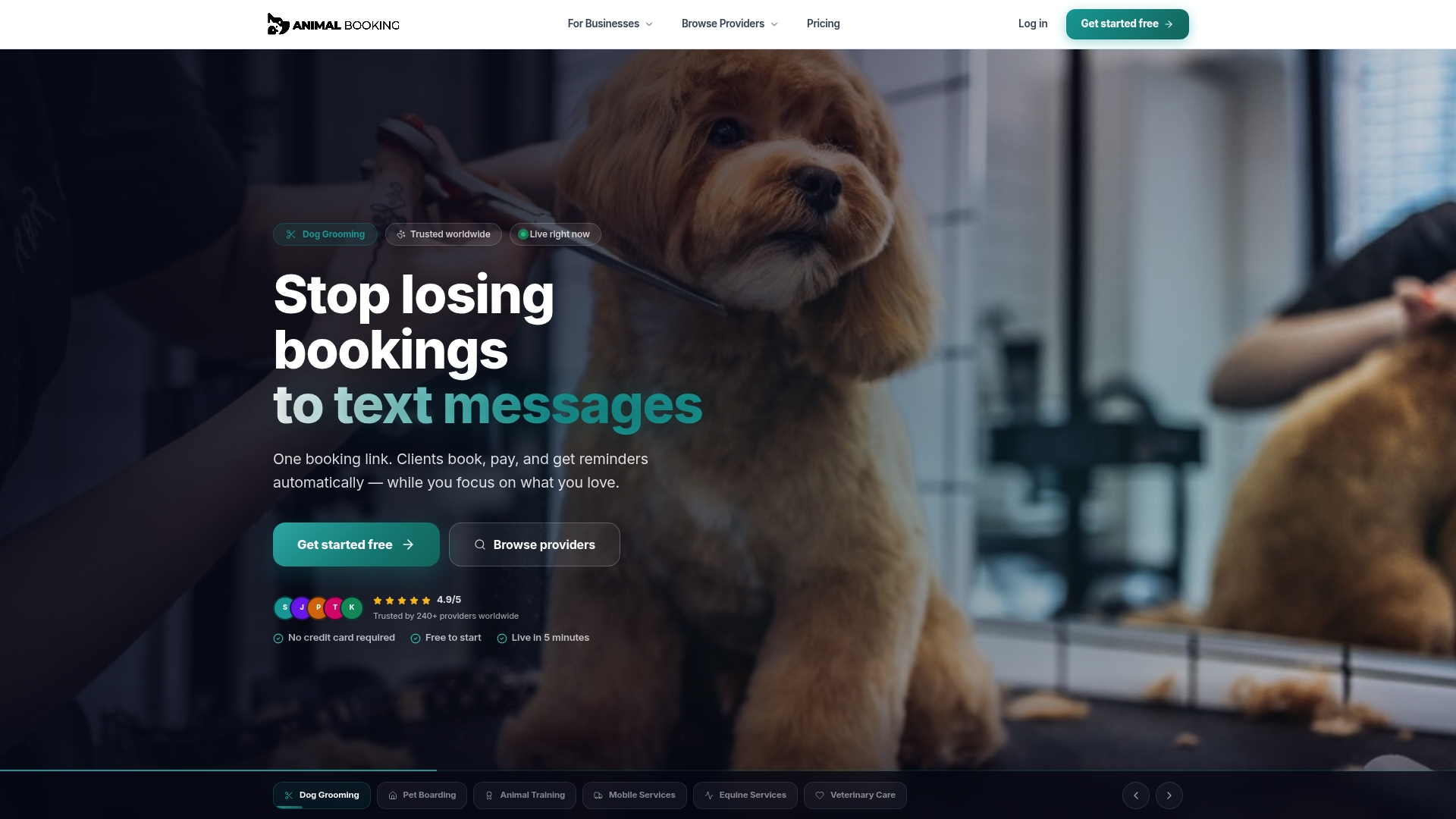
A button on Google is one door into your calendar. Instagram, Facebook, your own site and word of mouth are others. Animal Booking gives you one booking page that all of them can point to, with online payments, automated reminders, recurring bookings and a customer record behind it. Plans are listed on our pricing page: Independent is $49 per month, Teams is $149 per month and Pro is $299 per month, and there is a Starter plan as well. Platform fees on payments processed run from 3% down to 1%, and the details are on the provider pricing page. You can look at online booking to see how it works for your kind of business.
Our own aim is that the groomer who adds a booking link on Google spends the afternoon grooming, not answering the phone, and that a deposit and a reminder do the work that used to take a text chain.
Our view: Google brings the customer, your booking page keeps them
We talk to groomers who think of Google as the hard part: the profile, the category, the button. In our view it is the easy part. A profile can be set up in an evening. What decides whether the extra clicks pay is the next thirty seconds, when a pet owner lands on your booking page.
That page has to answer the questions a customer would ask on the phone: how long will it take, what does it cost for my dog, when is the next slot, and what happens if I need to change it. If it does, the customer books. If it doesn't, they go back to the map and try the next groomer.
It also has to protect you. A button that makes booking effortless makes no-shows effortless unless a deposit and a reminder are in the way. That is why we built payments, automated reminders and cancellation rules into the same booking flow, and why our aim is to reduce no-shows by up to 80% and lift revenue by around 30% per booking.
So our advice is to start with the link you control, make the page behind it clear and fast, and treat any deeper Google integration as a bonus that rides on the same foundation. A branded booking website on your own domain, live in about 10 to 15 minutes, gets you there without waiting on anyone's approval.
AnimalBooking
FAQ
Is Reserve with Google free for groomers?
Google does not charge you for the feature itself, and a booking link you add to your profile is free. Any cost comes from the booking software you use, not from Google. Check the plan and fee details of your software before you connect it.
Do I have to apply to Reserve with Google?
No, there isn't an application form for the business. The booking platform is the one Google reviews, and your profile then shows the option if you are eligible. A quick check is whether "bookings" appears in your Google Business Profile edit menu, as BrightLocal describes.
Why can't I see a Book button on my profile?
The usual reasons are an ineligible category, an address that is shared with another business, a mismatch between profile and booking page details, or the setup still being processed. Allow about a week after setup, then recheck your profile. In the meantime, a booking link on the profile still sends customers to your page.
How do I stop no-shows from Google bookings?
Take a deposit at booking, send automatic reminders and state your cancellation rule on the booking page. These apply to every booking whichever route the customer used. Our platform combines online payments with reminders so you set them once.
Can mobile groomers use it?
Yes, in many cases, though the lack of a public shopfront means Google has less address detail to match. Set your service area in your profile and test the button after setup. A booking link on your profile works regardless.
Sources
- Managing Bookings with Google Business Profile, BrightLocal
- Google Adding Booking Links To Business Profiles, Search Engine Roundtable